

Networking Basics
Gigabit vs. Gigabyte: Decoding the Most Common Misconception in Networking
Jul
When setting up a new office network or upgrading your home internet, understanding gigabit vs gigabyte is essential. The two terms sound nearly identical, yet they mean very different things. Confuse them, and you end up with mismatched expectations about internet speeds and data storage.
Understanding the distinction between these two metrics is essential for making informed decisions about your network infrastructure. This article breaks down the differences in plain language. It also explains why the industry uses both and how to apply this to your next ICT project.
The Gigabit vs Gigabyte Difference: Speed vs. Storage
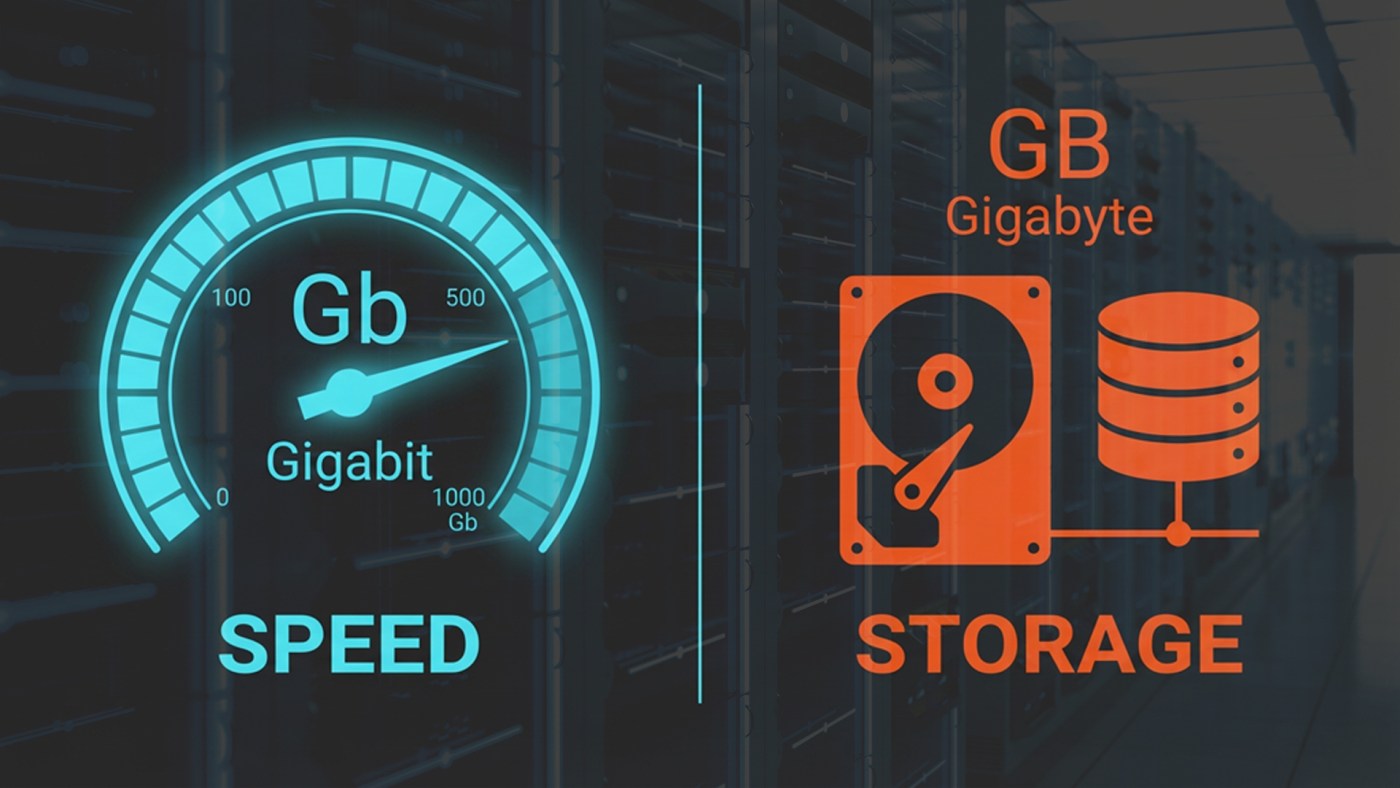
The core difference between a gigabit and a gigabyte comes down to what they measure. In the simplest terms, gigabits measure speed (how fast data travels), while gigabytes measure capacity (how much data is stored) .
To understand why, we have to look at the foundational building block of digital information: the bit. A bit is a single binary value, either a 0 or a 1. When bits are grouped together, they form a byte. Specifically, it takes 8 bits to make 1 byte .
This 8-to-1 ratio is the key to the entire gigabit versus gigabyte conversation.
| Term | Abbreviation | What It Measures | Relationship |
| Bit | b (lowercase) | Data transfer speed | 1 bit |
| Byte | B (uppercase) | Data storage capacity | 8 bits |
| Gigabit | Gb | Network bandwidth / Internet speed | 1,000,000,000 bits |
| Gigabyte | GB | Hard drive space / File size | 8 Gigabits |
Notice the capitalization in the abbreviations. Internet Service Providers (ISPs) advertise speeds in Gigabits per second (Gbps), using a lowercase “b.” However, when you download a file or buy a hard drive, you will see Gigabytes (GB) with an uppercase “B.”
The “Water Pipe” Analogy
If the technical definitions feel abstract, consider the analogy of a water pipe filling a swimming pool.
Imagine your internet connection is the water pipe. A digital file, like a 4K video, is the swimming pool you need to fill.
•Gigabits per second (Gbps) is the water pressure, or how fast the water is flowing through the pipe.
•Gigabytes (GB) is the total volume of water the pool can hold.
Purchase a “1 Gigabit” internet plan, and your pipe delivers water at 1 Gigabit per second. However, a Gigabyte is eight times larger than a Gigabit. As a result, downloading a 1 Gigabyte file takes at least 8 seconds of perfect, uninterrupted flow .
Many consumers purchase a 1 Gbps internet plan and expect to download a 1 GB file in one second. When the download takes 8 to 10 seconds instead, they assume their ISP is underdelivering. In reality, the network is performing exactly as advertised .
Why the Industry Uses Two Different Metrics
You might wonder why the tech industry doesn’t just pick one unit of measurement to avoid this confusion. The reason dates back to the early days of computing and networking hardware.
Data storage (like RAM and hard drives) processes information in parallel, handling multiple bits simultaneously. Because computers read and write data in chunks of 8 bits, it made sense to measure storage capacity in Bytes .
Networking, on the other hand, traditionally transmits data serially. It sends one bit at a time down a wire or over a wireless frequency. Data flows across networks as a single-file stream of 0s and 1s. Therefore, network engineers measure the transfer rate in bits per second .
This historical distinction has persisted into the modern era. It requires a bit of mental math for the end-user. Even so, it remains the most accurate way for engineers to describe how hardware operates.
Managing Network Expectations
When planning an ICT deployment, understanding the Gbps vs. GB conversion is just the first step. Also, remember that real-world connections rarely reach their theoretical maximum speeds.
Even on a 1 Gbps connection, some bandwidth always disappears. Network overhead, encryption protocols, server limitations, and Wi-Fi interference all consume their share. If you are downloading a 10 GB file on a 1 Gbps connection, the math suggests it should take 80 seconds. In practice, due to network overhead, it will likely take closer to 90 or 100 seconds .
Once you understand these nuances, you can evaluate ISP Service Level Agreements (SLAs) with confidence. You can also choose the right networking hardware and set realistic expectations for your team.
Partner with Connectivity Warehouse
Navigating the complexities of networking, from bandwidth requirements to hardware procurement, doesn’t have to be a solo endeavor. If you are looking for a patient, informative, and reliable ICT and networking vendor, Connectivity Warehouse is here to help.
We believe that great partnerships are built on integrity, tenacity, and trust. Perhaps you are scaling an enterprise network, outfitting a live event space, or simply making sense of your current infrastructure. In every case, our team provides clear, educational guidance alongside top-tier technology solutions.
Ready to learn more?
•Follow Connectivity Warehouse on LinkedIn for industry insights and educational content.
•Subscribe to our YouTube channel for deep dives into networking technology.
•Visit ConnectivityWarehouse.com to reach out for a personalized consultation today.
References
[1] Fatbeam. “Gigabit vs Gigabyte: What’s the Difference & Why So Confusing.”
[2] UbiFi. “Bits vs Bytes: What’s the Difference?”
[3] NCTA. “Is a Gigabit the Same as a Gigabyte?”
[4] Flavoured. “Gbps vs GBps: The Internet Speed Mistake People Make.”
[5] How-To Geek. “Why Do We Measure Speed in Bits, But Space in Bytes?”
[6] Quora. “Why are internet speeds measured in mbps and not MB/s?”
[7] Cisco Community. “Truth About The Gigabit Internet Speed.”